
How to Access Your KPMG Pension Plan: Login and Account Guide
You can log in to your KPMG US Pension Plan account through Fidelity NetBenefits at netbenefits.fidelity.com. Once logged in, you can view your accrued benefit, check vesting status, update your contact information, and run benefit estimates. If you haven’t registered yet, you’ll need your Social Security number and your KPMG participant ID (found on your annual pension statement).

Before You Log In – What You’ll Need
| Item | Where to Find It |
|---|---|
| Social Security number | Your own records |
| KPMG participant ID | Most recent annual pension statement from KPMG/Fidelity |
| Email address or phone number on file with Fidelity | Used for account recovery – if unsure, call ahead |
| Internet browser (Chrome, Edge, Safari, or Firefox) | Supported browsers – avoid outdated versions |
Early checkpoint: If you don’t have your participant ID, call Fidelity’s KPMG-dedicated line at 1-800-343-0860 (Monday–Friday, 8:30 a.m. to 8:00 p.m. ET) to request it before you start. Without it, registration will stall.
How to Log In and View Your Pension
1. Go to netbenefits.fidelity.com in your browser.
2. Click “Log In” in the upper-right corner.
- If you already have a Fidelity NetBenefits account (from a previous job or personal account), use those credentials.
- If you’ve never registered, click “Register Now” instead.
3. Complete registration (first time only):
- Enter your Social Security number, date of birth, and KPMG participant ID.
- Create a username and password.
- Confirm your email and phone number.
4. After login, look at your dashboard. You should see “KPMG US Pension Plan” listed under your accounts.
- Branch – what you see determines your next move:
- If the plan is listed but shows a $0 benefit, go to the “Benefit Details” page and check your vesting status. If you have fewer than 5 years of service, you are not vested yet – the $0 is correct for now. If you have 5+ years and still see $0, call the support line immediately — this may indicate a data error.
- If the plan is not listed, click “View All Accounts” or use the search bar. Still missing? You may have linked a personal account but not the KPMG plan. Call support to have the two accounts linked.
- If you see “KPMG US Pension Plan – Cash Balance” instead of the traditional DB plan, note that your benefit formula and payout options differ (see section below).
5. Click “View Benefits” or “Benefit Details” to see:
- Your accrued monthly benefit at normal retirement age
- Estimated lump-sum value (if offered)
- Vesting status and years of service
- Beneficiary designations
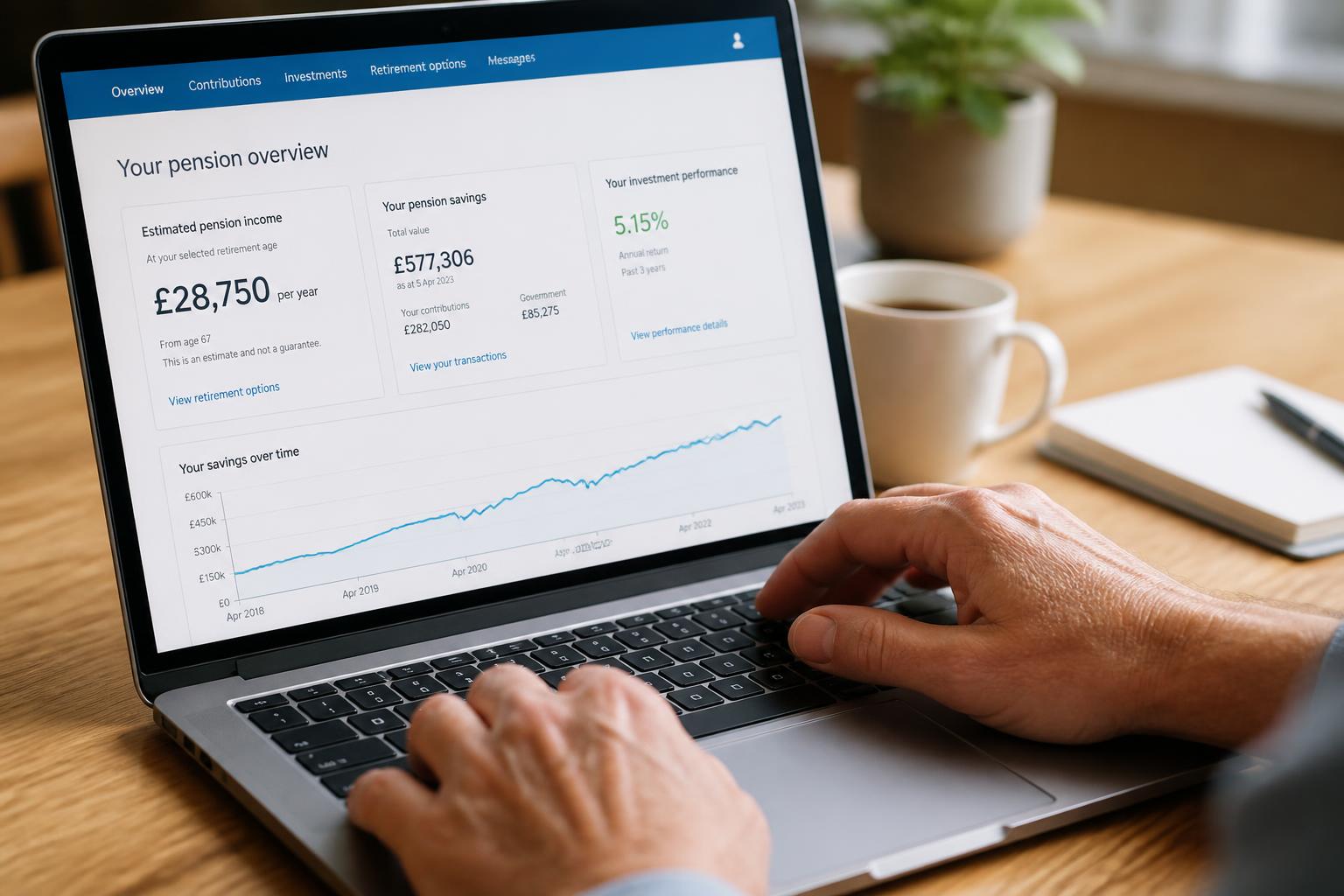
Success check: You see a personalized benefit estimate with your name, years of service, and a dollar amount. If any numbers look off or missing, proceed to the troubleshooting section below.
Having Trouble? Common Login Issues and Likely Causes
“Forgot Username” or “Forgot Password”
- Use the links on the NetBenefits login page. Fidelity will send a reset link to your registered email or phone.
- If you no longer have access to that email or phone, you’ll need to call the support line.
Account Locked After Multiple Failed Attempts
- Wait 15 minutes and try again. If still locked, call 1-800-343-0860 to have it unlocked.
- Avoid more than 5 incorrect attempts in a row – the lockout is automatic.
“Participant ID Not Found” During Registration
- Likely cause: you are entering an older or incorrect ID. Your participant ID is typically a 6–8 digit number printed on your most recent statement.
- If you don’t have a statement, call 1-800-343-0860 to verify your ID.
“No Accounts Found” After Login
- Likely cause: you have a personal Fidelity account but are not linked to the KPMG plan. Contact support to link the two accounts.
What to Do If You Still Can’t Access
If you’ve tried the steps above and still cannot log in or see your pension info:
- Call the dedicated KPMG support line: 1-800-343-0860. Tell the representative you are a KPMG pension participant and need help accessing your account.
- Ask for: your participant ID, a password reset, or a mailed paper statement as a backup.
- Escalation signal: If the representative cannot resolve the issue in one call, ask for a reference number and a callback within 2 business days. If you don’t receive the callback, call again and request a supervisor.
When to stop DIY and escalate: If you have attempted registration at least twice, tried password reset, waited for account unlock, and still cannot log in after 2 business days, stop retrying. Repeated failed attempts can lock your account further or create duplicate profiles. Call the support line and do not create a new account until a representative clears your record.
You can also request a paper copy of your benefit statement by mail:
Frequently Asked Questions About KPMG Pension Access
Q: I see my KPMG 401(k) but not the pension plan. Why?
A: The 401(k) and pension are separate accounts under the same Fidelity login. After logging in, click “View All Accounts” or use the account search. If the pension still doesn’t appear, call 1-800-343-0860 and ask to link the pension account to your existing profile.
Q: Can I change my beneficiary through the portal?
A: Yes. After logging in, go to “Profile” → “Beneficiaries.” You can add or update beneficiaries for your pension plan. Make sure to confirm any changes and save a copy of the confirmation.
Q: What if my pension shows a lump sum of $0 but I have over 5 years of service?
A: This could indicate an error or a freeze on the lump-sum option. Check “Benefit Details” for a monthly annuity estimate. If the annuity also shows $0, call support immediately with your years of service ready.
Q: Do I need to register again if I already have a Fidelity account for a different job?
A: Not typically. Use your existing username and password. If the KPMG plan doesn’t link automatically, call support to merge the accounts.
What Kind of Pension Plan Does KPMG Offer?
The KPMG US Pension Plan is a qualified defined benefit (DB) plan. Your retirement benefit is calculated using a formula based on your final average compensation and years of service. The plan is entirely funded by KPMG – you do not contribute.
Key features:
- Normal retirement age: 65. Early retirement is available at age 55 (benefit reduced actuarially, typically ~6% per year before age 65).
- Vesting: You become vested after 5 years of service (or 3 years for participants hired before a specific date – check your SPD).
- Benefit formula (common version): 1.5% × final average compensation × years of service. Example: $80,000 average × 0.015 × 20 years = $24,000/year or $2,000/month at age 65.
But the plan has two versions. Log in to NetBenefits and look at your plan name under “Account Details.”
| Plan Version | Benefit Structure | Typical Payout Option |
|---|---|---|
| Traditional DB | Final average pay × service × 1.5% (varies by hire date) | Lifetime annuity or lump sum |
| Cash Balance | Hypothetical account with interest credits (tied to 30-year Treasury) | Lump sum or annuity based on account balance |
If you see “KPMG US Pension Plan – Cash Balance,” your benefit grows as a hypothetical account earning annual interest credits (no market risk). At retirement, you can take the balance as a lump sum or convert it to an annuity. If you see the traditional DB plan, your benefit is frozen once you leave KPMG and grows only by the formula (no new service added).
Note: KPMG has frozen or modified the plan for certain employee groups over time. Always verify your specific plan version and hire date with your Summary Plan Description (SPD).
Eligibility and Vesting Rules – What You Need to Know
| Requirement | Detail |
|---|---|
| Minimum service to vest | 5 years (or 3 years for older hire groups) |
| Early retirement eligibility | Age 55 with at least 10 years of service |
| Normal retirement | Age 65 |
| How to check your years of service | Log into NetBenefits → Pension Details → “Years of Service” |
If you are not vested (less than 5 years shown), you are not eligible for any pension benefit. If you leave KPMG before vesting, you forfeit the benefit. You can still log in to confirm your status.
If you have a break in service (leave of absence, rehire after separation), the clock may reset or pause. Contact the plan administrator for a personalized calculation.
Decision Checklist: Is Your KPMG Pension Access Ready?
Use this quick check to confirm you can manage your pension online.
- [ ] I have registered for a Fidelity NetBenefits account using my SSN and KPMG participant ID
- [ ] I can log in and see “KPMG US Pension Plan” on my dashboard
- [ ] I have reviewed my annual benefit statement (available under “Documents” in the portal)
- [ ] I know my vesting status – years of service shown in the portal
- [ ] I have updated my contact information and beneficiary designation (under “Profile”)
If one or more boxes are unchecked, take action now: register, call support, or verify your statement. A missing beneficiary designation is a common oversight – update it even if you’re years from retirement.
Getting More Help
- Online help within Fidelity NetBenefits: Use the “Help” menu or live chat during business hours.
- Dedicated KPMG phone line: 1-800-343-0860 – speak with a representative who handles the KPMG plan exclusively.
- Plan document requests: Call the support number and ask for the most recent Summary Plan Description (SPD) – the official rules of the plan.
- Written correspondence: Fidelity Investments, P.O. Box 770001, Cincinnati, OH 45277-0035
Plan Details May Change – Verify What Applies to You
KPMG has modified its pension plan over the years, including freezes, transitions to cash balance designs, and adjustments to eligibility dates. Always verify your specific provisions by reading your latest SPD or contacting Fidelity directly. The information above is accurate as of the publication date but may not reflect recent amendments.
Disclaimer: This article is for informational purposes only and does not constitute financial, legal, or tax advice. Pension plan rules, formulas, and eligibility criteria are subject to change. Always consult the official KPMG US Pension Plan documents and a qualified advisor before making retirement decisions.

Michael Reynolds is a retirement benefits researcher and the lead author at Pension FAQ. With over 12 years of experience analyzing employer pension plans, state retirement systems, and Social Security policy, he specializes in translating complex pension rules into clear, actionable guidance for American workers and retirees.
Michael holds a Bachelor’s in Economics from the University of Michigan and has completed the Certified Retirement Counselor (CRC) program. His work has been cited by financial planners and HR professionals helping employees navigate their pension options.
At Pension FAQ, Michael leads a team covering employer plan access, state pension taxation, teacher and public employee retirement systems, professional sports pensions, and pension calculation rules. All content is rigorously reviewed against official plan documents and IRS guidelines.
Disclaimer: Pension FAQ content is for educational purposes only and does not constitute financial, tax, legal, or retirement benefits advice. Always consult your plan administrator or a qualified professional for decisions about your specific situation.